
Christmas Light Shows: What Works With EZPlayer?

If you are searching for a Christmas light show, you may be picturing lights that follow your favorite playlist. Before choosing equipment, distinguish music discovery from show playback. EZPlayer’s documented local workflow uses a lighting sequence file and associated audio. It does not instruct users to start alongside a sequence.
What makes a choreographed light show?
A lighting sequence contains instructions for the display. The accompanying audio provides the music those instructions were arranged around. EZPlayer sends show data to controllers, which drive the lights. Understanding that chain helps you choose a playback method suited to the sequence rather than treating every music app as a show controller. See how EZPlayer runs a light show.
For local playback, the EZPlayer manual starts with an xLights show folder containing layout information, sequences and audio. Add a song from its .fseq file on the Songs screen. EZPlayer usually finds the matching audio and description; if it does not, associate the remaining files and details yourself. Use the Jukebox to try playback before building a playlist. Follow the local setup guide.
Where does EZRGB song selection fit?
EZRGB offers a sequence catalog. Sequences and music are sold separately, so budget for both rather than assuming a hardware kit includes your songs.
An official EZRGB Facebook reply visible during this review says customers cannot currently use their own music in the workflow discussed there. That statement concerns EZRGB’s song-selection offering; it should not be confused with EZPlayer’s ability to play an existing local show with its own sequence and audio files.
What about Spotify integration?
The Spotify Developer Policy prohibits applications using its platform from synchronizing recordings with visual media. This article therefore does not recommend building a Spotify API integration or promise that separately starting Spotify and EZPlayer will produce synchronized playback.
Choose a playlist and schedule it
Once you have working songs in EZPlayer, group them into a playlist and choose the dates and time window for your show. A schedule can run once, daily or on selected weekdays. Optional intro and outro playlists let you give the show a beginning and ending. The Simple Schedules guide explains these options.
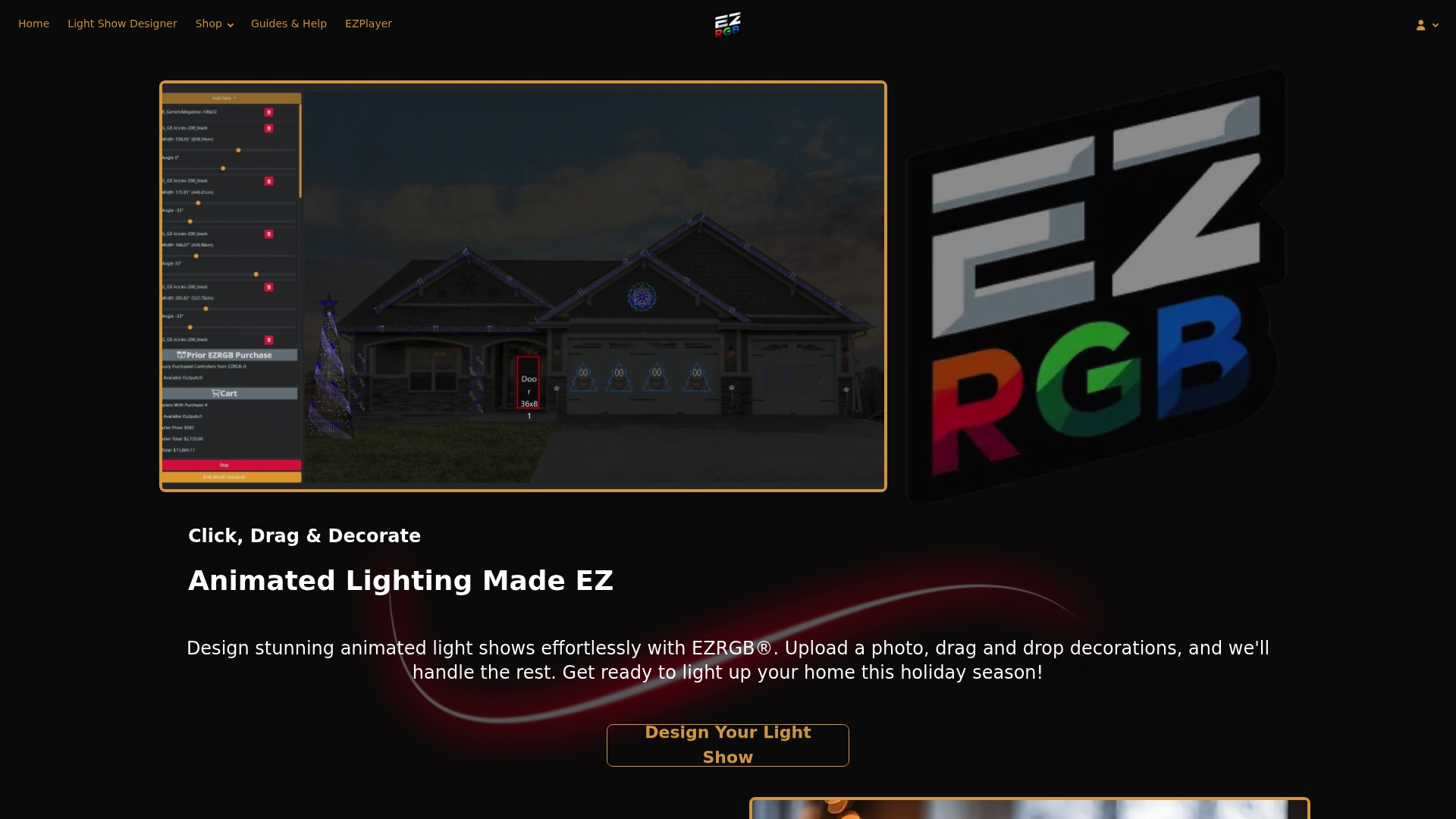
Start with the supported playback workflow, then choose the songs. Visit EZPlayer for downloads and the EZPlayer manual for setup instructions.
FAQ
Does the EZPlayer manual document a Spotify light-show workflow?
The reviewed setup pages describe sequence files, associated audio, playlists and schedules. They do not establish a Spotify integration.
